It’s easy to forget about faxing until a customer, supplier or government office requests a faxed document. Purchasing hardware for the occasional request is rarely attractive to a small business.
Online fax services provide a solution to the everyday problem of how to send a document electronically, receive incoming fax pages as files, and continue working without a dedicated fax machine.
FaxBurner is great for small businesses who want to start out free and pay for services later when they need features like a permanent fax number. Dropbox Fax is ideal if you care about document-storage friendliness, and eFax Business is great if your team needs extensive administration and account options.
In This Guide
- Quick Comparison
- FaxBurner
- Dropbox Fax
- eFax Business
- How to Choose an Online Fax Service
- Final Verdict
Quick Comparison
| Service | Best for | Free option | Receive faxes | Notable strength |
| FaxBurner | Send faxes occasionally but may need more in future | Free tier forever with cap on outbound faxes | Receive temp. number for free; choose permanent number with paid plans | Send from email, browser or iOS app |
| Dropbox Fax | Document workflows in the cloud | Limited one-time free outbound pages | Subscription based | Integrates with Dropbox cloud storage |
| eFax Business | Business faxing with multiple users | No equivalent free ongoing tier | Commercial business plan | Multiple recipients/users and central account management |
1. FaxBurner: Best Overall for Simple, Flexible Faxing
Many small businesses just need a fax service to accomplish one task. They don’t need an all-new communications system. FaxBurner fills that niche with its online digital fax service, which can be used through your browser, email or iPhone and iPad app. If you use Android, there’s no native Android app, but you can still use the browser or email.
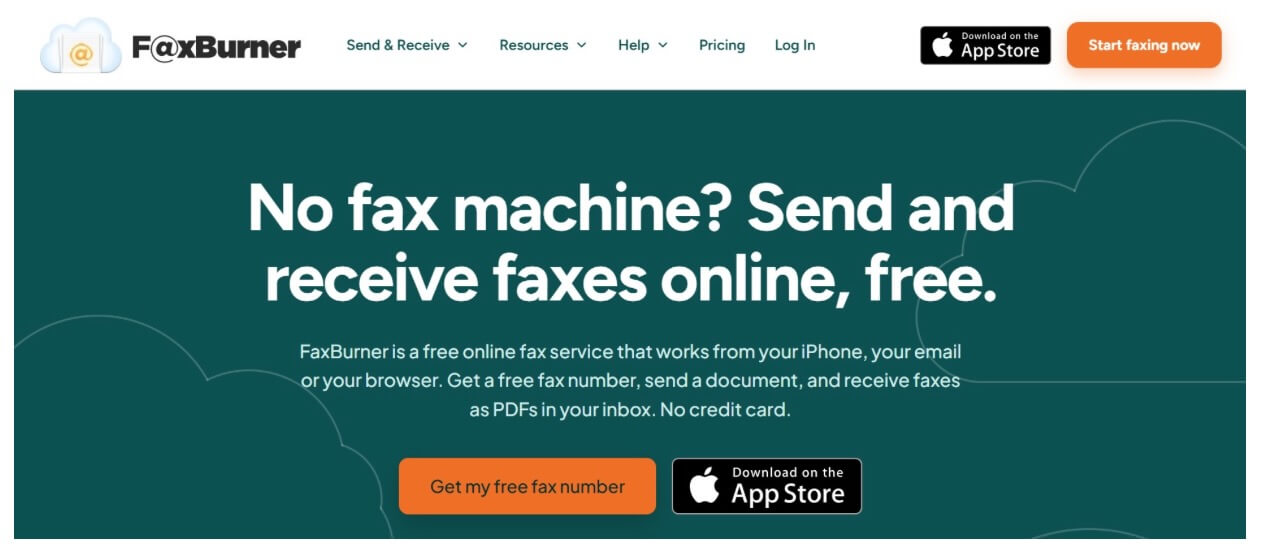
The free account gets you a temporary fax number that lasts 24 hours, five outgoing pages in total over the life of the account and up to 25 received pages per month. There’s no credit card needed. Paid accounts get a permanent toll-free number and higher page limits. The five-page outbox allotment does not refresh each month, so the free version is better suited for truly sporadic use rather than a regular flow of documents.
This makes the decision on whether or not to upgrade very simple. If you’re a little consultancy who sends a signed form once in a blue moon, you don’t need to subscribe. But if vendors are faxing you stuff for your business on a weekly basis, you’ll want the paid version so your company can have a set number instead of continually requesting temp ones.
Three details make FaxBurner particularly practical:
- Multiple delivery methods available: Send via email, Web browser or the iOS app rather than buying a device.
- Digital incoming documents: Receive faxes as files instead of picking up printouts from an actual machine.
- Get started without high-commitment: Test drive the workflow on the free tier and determine if you need a paid permanent number.
Customer reviews offer some helpful insight. Reviewers on the Apple App Store review page discuss ease of sending the occasional document from iPhone, as well as specific app or account issues they’ve experienced. Those issues may not happen to every business, but they do illustrate why sending a test document first is helpful before relying on the service for something critical.
Best fit: If you’re a small business that needs to fax sometimes today but may want the ability to use it regularly later on, FaxBurner is the best overall first option. If you need a number that’s always active, budget for a paid plan from day one.
2. Dropbox Fax: Best for Cloud-Storage Workflows
Dropbox Fax is a service that integrates online fax service with Dropbox cloud documents service. Documents can be uploaded to Dropbox, have signatures added and sent right from your web browser. The free plan starts users off with five outgoing pages. Additional one-time pages may be available under the provider’s current terms. You must pay a subscription to receive faxes.
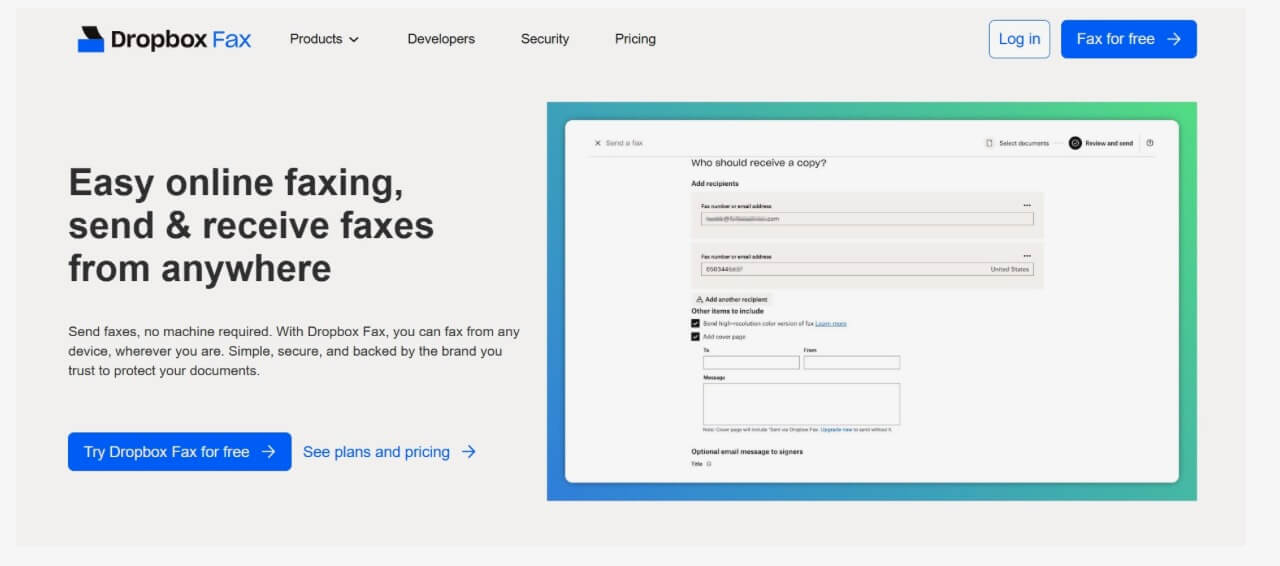
Picture an agency with just a handful of staff that already stores client documents in folders online. Dropbox Fax can seamlessly integrate into their document workflow when an employee needs to pull up a file or sign a document before sending.
However, that strength is also a weakness. Free sending can help you test the waters, but isn’t going to provide a business with an inbound fax number. An independent Dropbox Fax review praises Dropbox’s allure of document workflow but also points out limitations with mobile-app offerings and support. That’s why their browser-based setup is worth trying out on the actual devices your team uses.
Best fit: Small teams already doing a lot of work with cloud files who want faxing integrated near those files.
3. eFax Business: Best for Team Administration
eFax Business is tailored to businesses that require multiple people accessing the same business fax account. The promoted Business plan includes five user licenses, a fax number and 500 free pages per month with account administration and document management features. Those are starting points, not necessarily permanent features, so look for those features listed in the terms published at signup.
Take, for instance, a property-management office that has multiple staff members processing incoming documents. Such an office will likely place more importance on managed user access than on a free trial credit amount. eFax Business also touts encryption, administrative features and the availability of a Business Associate Agreement for medical purposes.
A Business Associate Agreement may become applicable when your organization falls under HIPAA regulations, but purchasing a subscription does not mean your organization’s overall processes are compliant. Permissions for staff, handling rules, etc. still need to be considered.
This is not a pay-as-you-go fax account. It’s designed for when you have multiple employees who need regular access to the same set of business documents.
Best fit: Small businesses that have several fax users, frequent document traffic and need formal access-control requirements.
How to Choose an Online Fax Service
Separate sending a fax once from setting up inbound faxes on a permanent number customers can keep. Free outgoing credits do not always mean you get an ongoing free fax number you can receive on.
Then consider four practical questions:
- Volume: How many pages will your business send and receive per month? Is a quoted free allowance per month or for life of the account?
- Number continuity: Should the company put the same fax number on forms/invoices/etc or list it on their website?
- Access: Will staff access through email, browser, mobile app or shared business account?
- Document handling: Are signatures, storage integrations, permissions or contractual safeguards required?
Verify the vendor’s per-page prices and destinations prior to signing up. Incoming and outgoing pages may be billed differently. International faxing, overages and extra numbers will also affect your bill. Review security options and legal compliance instead of assuming all internet fax services will work for confidential records.
Final Verdict
All three eliminate the need for a physical fax machine, but cater to different use patterns. Dropbox Fax works best for businesses with documents already stored in cloud-storage workflows. eFax Business is a better fit for groups that require multiple users and managed access.
When seeking an easy solution to get started, FaxBurner is the place to start. Their free plan allows for a little bit of infrequent faxing, but you can purchase plans that will allow continued use for your business.
People also read this: How to Support a Friend Through Grief When You Don’t Know What to Say
