
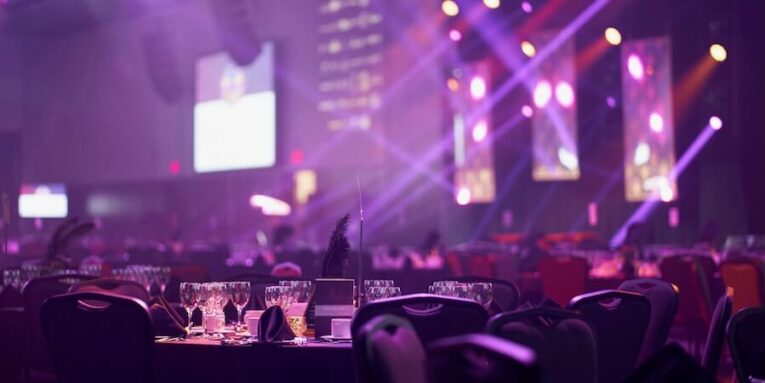
There’s a conversation happening in the Blender community that doesn’t get as much attention as it should. While most of us think of Blender as a tool for animation, VFX, product visualization, or game assets, a growing number of artists are using it for something more immediately physical: designing and previewing the visuals that appear at live events.
Stage design. LED wall content. Lighting previz. Projection mapping mockups. These are real, paid, practical applications of the same tools you already use in Blender every day, and the pipeline from a 3D scene to a live production is shorter than most artists assume.
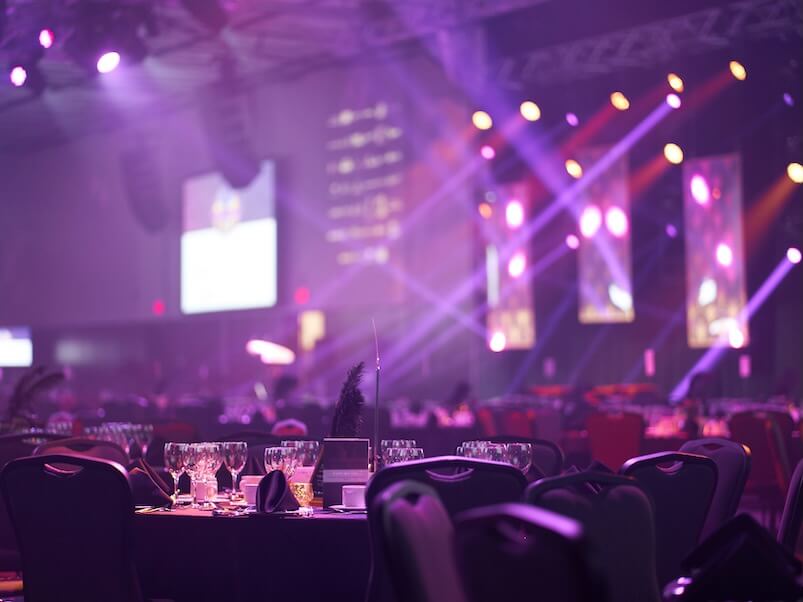
Why Event Production Is a Natural Fit for Blender Skills
Live events need visual content, and that content has to be planned, tested, and approved before anyone sets foot on a stage. That workflow is essentially what Blender was built for.
When an event producer wants to preview what a stage is going to look like with a particular LED wall layout, or a lighting director wants to show a client how moving heads will interact with stage architecture before the load-in, they need a 3D environment that matches the real space. Blender handles all of this. You can model the venue, drop in accurate fixture positions, simulate light output, composite your content into the frame, and produce reference renders or animated previews that let stakeholders sign off on a design before anything is physically built.
Eevee is particularly well-suited to this kind of work. Real-time lighting, fast render previews, and the ability to iterate quickly on a design make it the go-to engine for anything where a client is watching over your shoulder and wants to see changes happen fast. Cycles handles the polished presentation renders once the design is locked.
LED Wall Content: A Direct Pipeline From Blender
LED walls are everywhere in live event production right now. Concerts, corporate conferences, product launches, trade show booths. The content that plays on those walls, whether it’s looping motion graphics, reactive visuals, or pre-rendered video backgrounds, is increasingly being created in tools like Blender.
The output requirements are specific. Most LED walls run content at defined pixel dimensions that match the physical panel configuration. The frame rate is typically 30 or 60 fps. The color profile and brightness calibration matter. But the actual creation process is pure Blender: geometry nodes for procedural motion graphics, shader animations, camera animation for abstract flythrough content, and rendering via the Video Sequence Editor for final output.
If you’ve ever rendered an animation in Blender, you already know the fundamentals. The live event application is a context shift more than a skill shift. You’re rendering to a spec that matches a physical display rather than a broadcast or web delivery format, but the workflow is the same.
Projection Mapping: Where Blender and Physical Surfaces Meet
Projection mapping onto irregular surfaces, building facades, sculptures, custom stage set pieces, is a discipline where Blender’s 3D capabilities become invaluable. The process starts with an accurate 3D model of the projection surface. The model is used to plan the projector positions, calculate throw distances, and preview how the content will look before the projectors are ever pointed at the real thing.
Blender’s camera calibration tools and its ability to match real-world lens specifications make it possible to build a virtual preview environment that closely matches what you’ll see on the night. Artists can use the UV projection modifier to map content onto surfaces and test how designs read at oblique angles, from different audience sightlines, and under different ambient light conditions.
The Blender Foundation’s official documentation covers lighting tools in depth, including area lights, spotlights, and IES profiles, which allow you to simulate real-world fixture output from manufacturers’ photometric data. This means the lighting previz you build in Blender can actually match what a physical fixture will produce on stage, not just approximate it aesthetically.
Connecting the Virtual Design to the Real-World Production
Here’s where the workflow gets interesting for artists who want to move from creating Blender assets to being involved in live production: the gap between the 3D preview and the physical execution is bridged by the equipment and the people who run it.
An LED wall content file that renders perfectly in Blender still needs to be played back through a media server on the day. A lighting previz that looks exactly right in Cycles still needs to be programmed into a console and realized with physical fixtures. A projection mapping design still needs projectors aimed and stacked at the right positions.
For productions in Toronto, that physical layer is the domain of AV rental and production companies. Toronto Audio Visual Rentals provides the projectors, LED walls, sound systems, staging, and lighting equipment that turn a designer’s 3D vision into something an audience actually experiences. Their inventory covers everything from compact projector setups for boardroom-scale events to full LED wall systems for large conferences and concerts, with delivery, installation, and on-site technical support included. For a Blender artist working with a producer on a live event, knowing which equipment your content will actually run on is an important part of designing to spec from the start.
Stage Visualization as a Freelance Service
This is an underexplored income stream for Blender generalists. Event production companies, lighting designers, AV consultants, and venue managers regularly need visualization work done. They want to see how a stage design will look before committing to a build. They want to show clients a rendered preview of a room setup. They want to present a lighting concept in something more convincing than a sketch.
Blender is well positioned for all of it. And unlike many CGI industries where the competition for freelance work is intense and the clients expect deep specialization, the live events world often just needs someone who can build an accurate 3D representation of a real space and render it clearly. The technical bar for this kind of visualization is lower than VFX work, the clients are usually approachable, and the turnaround time is fast because events have firm deadlines.
The Blender Foundation’s open projects have demonstrated the software’s capability across disciplines well beyond animation. The Blender open projects page gives a sense of the breadth of what the platform has been used for professionally, from short films to interactive experiences, all of which share the same underlying toolset you’d bring to an event visualization pipeline.
Getting Started: What to Learn First
If you’re already comfortable with Blender’s modeling and lighting tools, the fastest entry point into event visualization is learning how to work with real-world scale. Events are designed in meters. Fixtures have specific beam angles, throw distances, and lumen outputs that correspond to real manufacturer data. The more accurately you model a space and populate it with real fixture specifications, the more useful your previz is to the production team that has to execute it.
After that, it’s worth learning the basics of how LED walls are configured, what media server software like Disguise or Resolume expects in terms of content format, and how projection mapping software like MadMapper handles the physical-to-virtual calibration workflow. None of these are Blender skills, but they’re the context that makes your Blender work valuable to someone running a live production.
The skills you already have are more applicable to the real world of events than you might think. The tools exist, the demand exists, and the pipeline from Blender renders to a live stage is surprisingly direct once you’ve done it once.
People also read this: The Click Economy Is Shrinking: What Business Owners Need to Know About Search in 2026
