

Your iPhone or iPad can do almost everything from banking and shopping to streaming, browsing, and keeping in touch with friends. These devices handle a lot of personal information, so keeping your online activity safe is key to using them securely.
A VPN can add an extra layer of privacy online, especially if you are on public Wi-Fi at airports, hotels, cafes, or other places where many people share the same network. But not all VPNs offer the same features, performance, or protection, so choosing the right one is about more than downloading the first app you come across.
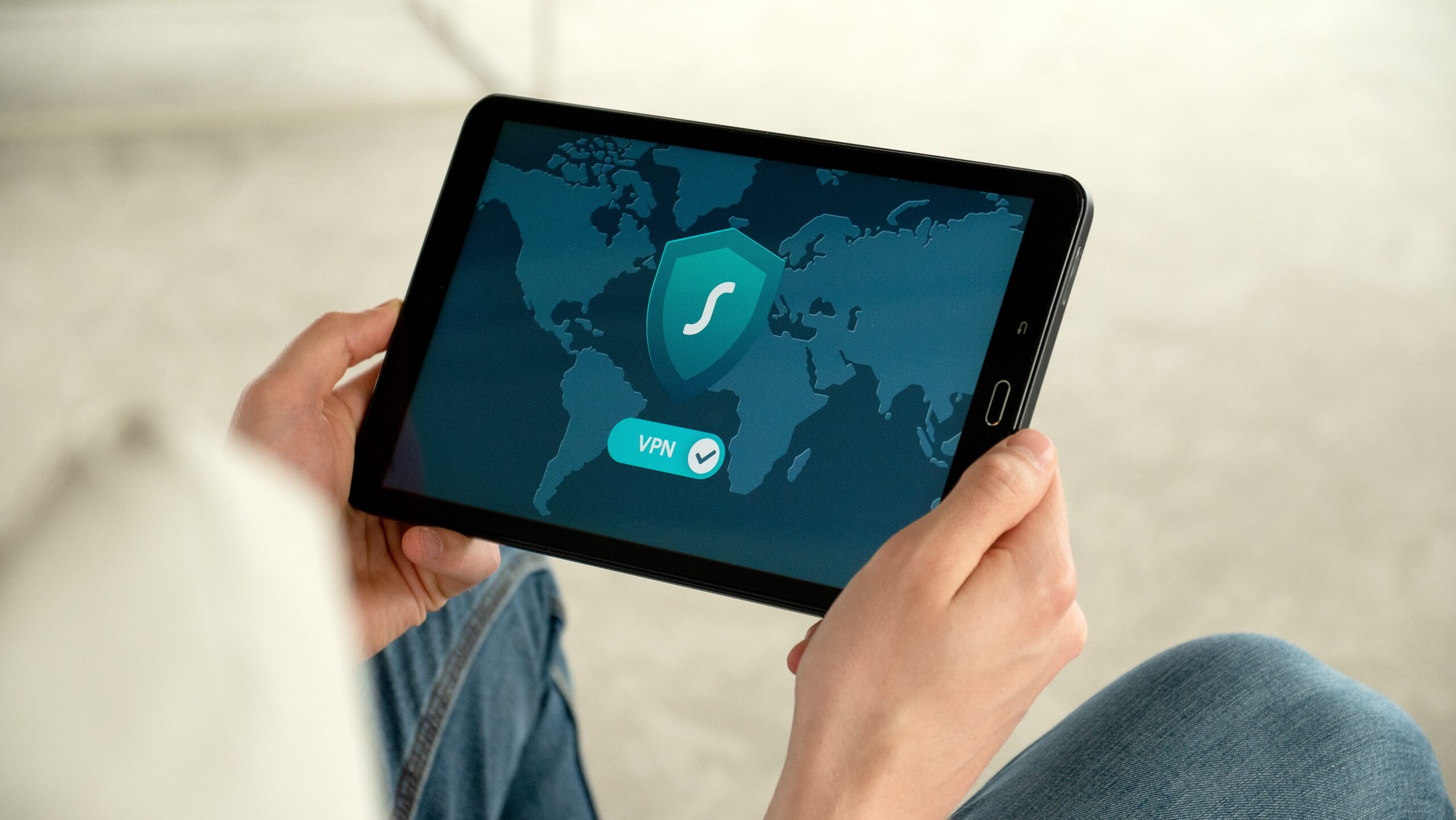
Before you choose, it helps to understand which features matter most on an Apple device. From encryption and connection speed to privacy policies and ease of use, here are the key things to consider when looking for a VPN for iOS.
- Strong Security and Encryption
The first thing to look for in a VPN for iOS is strong security. A VPN should use modern encryption to keep data traveling between your device and the VPN server safe. This can be useful, particularly when connecting over networks you don’t fully control.
Find a provider that clearly explains the encryption and security protocols it utilizes. Often, you’ll see secure VPN connections that use established protocols. But the exact protocols depend on the provider and the app.
The VPN should also contain features designed to prevent accidental exposure of your connection. For example, a kill switch can cut off internet traffic if the VPN connection drops unexpectedly. This can prevent your device from connecting to the internet over your normal connection without the VPN protection you expected.
- Clear Privacy Policy
A VPN is supposed to improve your online privacy, so it’s only logical to want to know what your provider does with your data. Before installing an app, read its privacy policy and look for clear information about what data it collects, why it collects it, and how long it retains it.
Pay special attention to logging practices. Some VPN services claim to have a “no-logs” policy, meaning they say they don’t keep records of what users do online. But privacy policies vary widely, so it’s worth reading the actual policy, rather than just the marketing language.
Also, consider whether the company has undergone independent audits or other forms of verification. An audit doesn’t automatically make a VPN trustworthy, but it can show whether a provider’s privacy and security claims have been examined.
- Compatibility With Your Apple Devices
A VPN can be secure but also inconvenient if it isn’t seamless across all the devices you use. Check that the provider supports the current versions of iOS and iPadOS for your devices.
This is even more important if you have multiple Apple products. Some VPN providers let you use a single subscription on multiple devices, while others limit simultaneous connections.
If you have an iPhone and an iPad, check out an app that provides a consistent experience across both devices. Installation should be simple, and the main controls should be easy to understand without technical knowledge.
- Good Connection Speeds
Privacy is important, but a VPN shouldn’t make everyday browsing unnecessarily frustrating. Sometimes, connection speeds may be affected because your internet traffic is being rerouted via a VPN server.
The effect depends on many factors, like the VPN protocol, server location, network conditions, and the distance between your device and the server you choose. A provider with a large, well-maintained server network may offer more options for finding a suitable connection.
Think about how you usually use your iPhone. If you just surf the web and check email, you probably won’t notice a big speed difference. However, if you regularly stream video, download large files, or make video calls, connection performance can matter much more.
- Wide Choice of Server Locations
Server locations can affect performance and how you access the web. A VPN with servers in different countries and regions offers you more choices when choosing a connection.
For normal browsing, you want to pick a server that is somewhat close to your actual location. This helps eliminate unnecessary latency. If you need to connect via another country for legitimate travel or access reasons, having more locations available can be useful.
But don’t judge a VPN solely on the number of countries it claims. The quality and reliability of its servers, and how they are distributed, can matter more than a big number on a marketing page.
- Easy-To-Use iOS App
You shouldn’t need to be a tech wizard to use a good VPN. The iOS app should have a clean interface that makes it easy to connect, disconnect, switch servers, and adjust key settings.
Rather than flooding the screen with technical jargon, look for an app that clearly explains its features. A simple connect button and an easy-to-navigate server list can make a big difference when you need protection fast.
Another factor is how much control the app provides. Some users may want automatic connection on untrusted networks, while others may prefer to choose when the VPN is active manually.
- Reliable Customer Support
Even a simple VPN app can occasionally create problems. Maybe you’re having trouble connecting to a server, experiencing compatibility issues after an iOS update, or need help understanding a specific setting.
For that reason, customer support is another feature worth considering. See if the provider has an extensive knowledge base, troubleshooting guides, email support, or live chat.
It’s important to have support available, especially if you’re paying for a long-term subscription. It’s a good service, but it can be frustrating when a provider makes it hard to get answers when something goes wrong.
Making the Right Choice for Your iPhone
Choosing a VPN for iOS doesn’t need to be complicated. Start by focusing on the features that affect your privacy, security, performance, and everyday use. Considerations include strong encryption, a clear privacy policy, reliable connections, useful server locations, and a well-designed iOS app.
It’s also worth looking at your own browsing habits before choosing a provider. For example, someone who mainly uses public Wi-Fi may prioritize security features, while someone who travels often may prioritize server availability and connection stability.
Most importantly, don’t select a VPN based on a single feature. See how the provider handles privacy, how the app works on your Apple devices, what kind of support is available, and what you’re actually getting for your money. A little time spent comparing these factors can help you find a service that matches how you use your iPhone or iPad.
People also read this: 5 Reasons Right Fertilization Plan Makes All The Difference For Your Lawn
